
The best first video chat tips are simple. Test your camera and mic before the call. Sit facing soft light. Wear something clean that you feel good in. Open with a warm hello and one easy question. Keep it to 20 to 40 minutes, and never share money or private details.
Key takeaways
- Join a few minutes early so a small tech problem doesn’t take over your first hello.
- Put the light in front of you. A lamp or window behind you turns your face into a shadow.
- Dress for the whole outfit, not only the top half. You may need to stand up.
- A pause on a video call feels longer than it is. You can let it sit.
- A video chat is a good way to check that someone is who they say they are before you meet.
Your laptop is open. The call starts in ten minutes. You’ve changed your shirt twice, and now you’re wondering if the lamp makes you look tired.
You know that feeling is normal. A first video chat asks a lot of you. You’re meeting someone new through a small square of light, and your own face is looking back at you from the corner.
I know that feeling. Before my first video call with someone new, I checked my hair in the preview so many times I almost joined late. I am particular when it comes to hair.
A first call doesn’t need to be perfect. It needs to be real. Most of what makes it go well happens before you click join.
This guide walks you through it. You’ll learn how to set up your space, what to wear, what to say when the screen opens, and how to stay safe while you get to know someone.
How do you prepare for a video call date?
Get ready about 15 minutes before the call. Most of the first video call tips that matter happen here, before anyone says hello.
- Open the app you’ll use and check your camera and mic. Most apps show you a preview of yourself before you join. Google Meet explains how to test your mic, speaker, and camera on that preview screen. If the mic bar moves when you talk, your mic works.
- Charge your phone or laptop, and close the tabs you won’t need.
- If your internet is slow, sit closer to your router.
- Set your device on something steady. A stack of books works fine. When you hold your phone in your hand, the picture shakes and your arm gets tired.
- Pick a quiet room where no one will walk behind you. If you share a home, tell the people there that you’ll be on a call.
It’s the boring part. It also saves you later.
How can you look good on a video call?
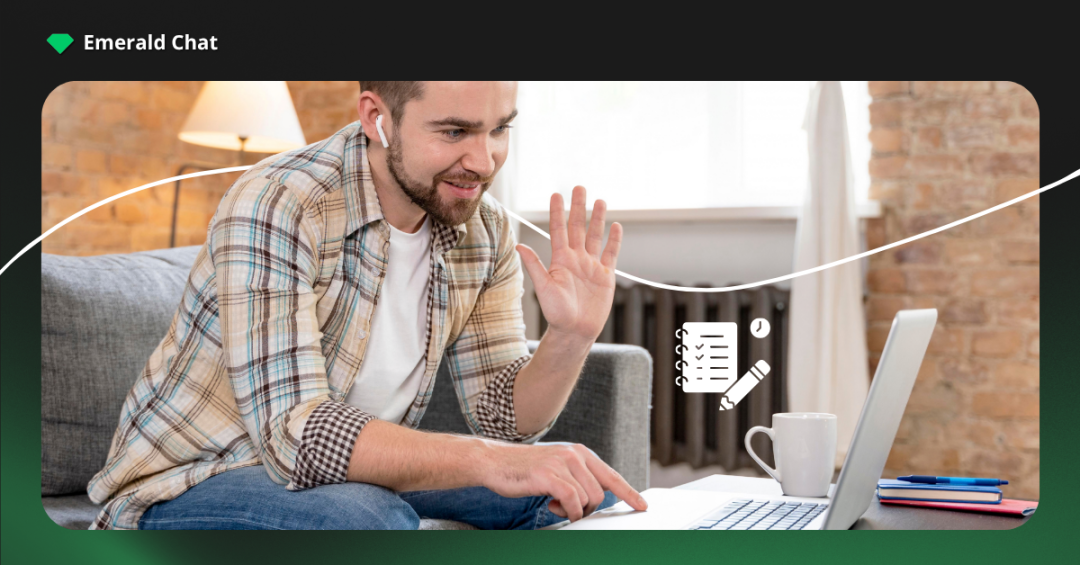
You don’t need a new camera. You need better light.
Face your light. In the daytime, sit with a window in front of you. At night, set a lamp behind your screen so it shines toward your face. Zoom’s guide to lighting says indirect light works best, because harsh light can wash out your face on camera.
A bright window behind you does the opposite. It turns you into a dark shape with a glow around it.
I learned this the hard way. On one of my early calls, I sat with my back to the window. The other person said, kindly, that I looked like a shadow. I turned my chair around, and the whole call felt warmer.
Raise your camera to eye level. When the camera sits low, the other person looks up at your chin. Nobody feels their best from that angle.
Take a quick look at what’s behind you, too. A plain wall or a tidy shelf is plenty. The room doesn’t have to be pretty. It has to let them see you.
What should you wear on a video date?
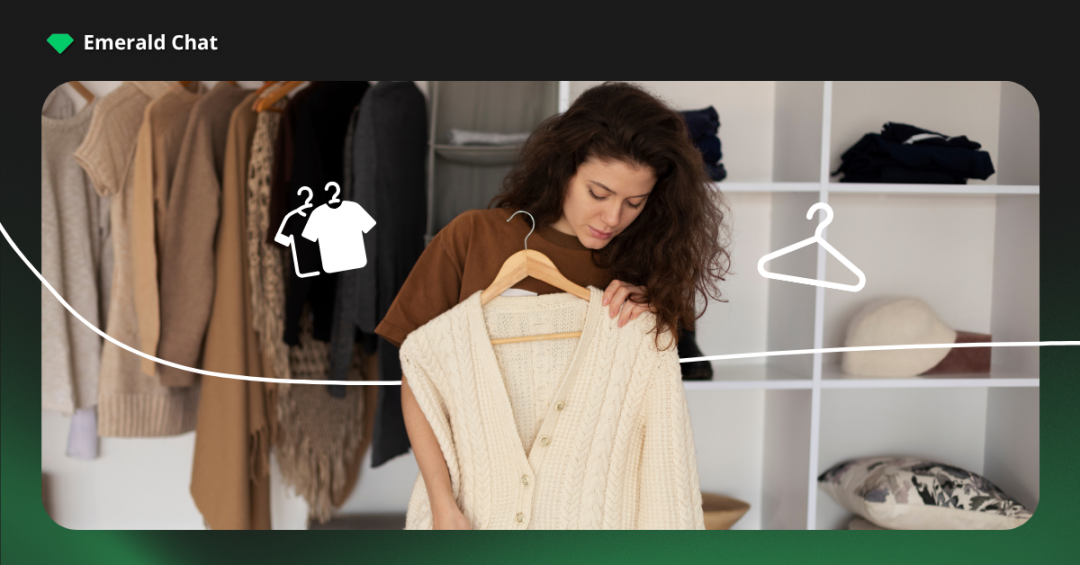
Wear what you would wear to meet someone for coffee. That’s a good rule to hold on to.
Pick something clean that fits you well and feels like you. Solid colors look calmer on camera than small, busy patterns, which can flicker on some screens.
Dress the whole way down. It’s tempting to pair a nice top with pajama pants. But if you stand up to grab a charger, they’ll see all of it. The Guardian’s advice on virtual dates says to dress up for a video date the way you would for one in person. The effort shows, and it helps you feel ready.
One more thing. Wear something you don’t have to fix. If you keep pulling at a collar or pushing up a sleeve, you’ll spend the call thinking about your clothes instead of the person.
How do you start a video chat conversation?
The first few seconds can feel strange. There’s a small lag. You both say hi at the same time. Someone laughs.
That’s okay. Let it be a little awkward. Then say something simple and warm. These video chat conversation starters are easy to use:
- “Hi! It’s good to finally see your face.”
- “Can you hear me okay?”
- “Is that a plant behind you? What kind is it?”
- “You said you like hiking. Been anywhere good lately?”
Notice something small and real, then ask about it. A mug on the desk. A dog barking in the next room. It shows you’re paying attention to them and not to your own face on the screen. The same idea works for starting a conversation with a stranger online anywhere, not only on a date.
What questions should you ask on a video date?
Good questions are open. They can’t be answered with one word. Here are some questions to ask on a video date. Each one is open enough to turn into a real talk:
- What does a good weekend look like for you?
- What’s something you’ve been learning lately?
- What’s a food you could eat every week and never get tired of?
- Where’s a place you’ve been that you still think about?
- What made you smile this week?
- What are you looking forward to right now?
Don’t treat this like a checklist. Ask one, then listen. The best question is often the next one, about something they said. If you want a longer list, keep these questions to ask when getting to know someone close by.
And share, too. If they tell you about their weekend, tell them about yours. A good talk goes both ways.
How do you avoid awkward silence on a video call?
The easiest fix is to stop racing to fill it. Let a short pause sit, then go back to something they said earlier.
Silence on a video call feels longer than it is. In person, you’d sip your drink or look around the room. On a screen, you’re both looking at each other, so three seconds can feel like thirty.
Quiet and awkward are not the same thing. Awkward is when you both feel you did something wrong. Quiet is when you’re both still there.
I’ve had calls where we both went quiet for a few seconds, and nothing broke. We smiled. Then one of us picked the talk back up. Looking back, those pauses were some of the warmest parts.
So take a breath. Smile. When you’re ready, try something like, “You mentioned your sister. Are you two close?” It shows you were listening, and it’s easier than thinking of something new. It’s also one of the simplest ways to keep a conversation going online.
It helps to keep a couple of ideas in your head before the call. Not a script. Only a few things you’re curious about. That way a quiet moment feels like a rest, not a wall.
What are the best first video chat tips for making a good impression?
Good video chat etiquette comes down to one idea. Be with the person on the other side. Most of what helps you feel less awkward on a date works on a screen, too.
Look at the camera now and then, not only at their face on the screen. When you look at the lens, it feels to them like you’re looking in their eyes. You don’t need to stare at it. A few times while you talk is enough.
If seeing your own face makes you nervous, most apps let you hide your self view. You’ll stop checking your hair and start listening.
Put your phone face down and turn off notifications on your computer. A ping in the middle of their story tells them you’re only half there.
Keep the drinks light. A glass of wine can calm your nerves, but The Guardian’s tips warn against getting drunk on a video date. You want to remember the call, and you want them to remember you well.
How long should a first video call last?
There’s no set rule, but 20 to 40 minutes is a good length for most first calls. It’s long enough to get a feel for someone. It’s short enough that you both leave wanting to talk again.
You can agree on a time at the start. Something like, “I’ve got about half an hour. Does that work for you?” It takes the guessing out of the ending.
When it’s time to go, end it warmly. “I had a good time. I’d like to do this again.” If you don’t feel that way, you can still be kind. “Thanks for making time. It was nice to meet you.” That’s enough.
How do you stay safe on a first video chat?
A video chat can help you feel safer. Match’s dating safety tips say a phone or video call is a useful way to screen someone before you meet in person. Match also warns that a person who won’t talk on a video call may not be who they say they are.
Still, you’re talking with someone you don’t know yet. RAINN’s tips for safer dating say not to share your home address, phone number, workplace, or daily routine until you’ve built trust.
Check what’s behind you on camera, too. A piece of mail on the table or the view from your window can say more than you mean it to. Our guide on what to share and what to keep private with strangers goes deeper on this.
Watch for money talk. The FTC’s guide to romance scams says scammers often build trust first, then make up a story and ask for money. They may ask for gift cards, wire transfers, or crypto. The FTC’s rule is plain: never send money or gifts to someone you haven’t met in person.
Trust your gut. If someone pressures you or makes you feel uneasy, you can end the call. You don’t owe them a reason. Block them and report them on the app you’re using.
If you chat on Emerald Chat, read how to stay safe on video chat there.
Conclusion
It doesnt have to be perfect. Remember that laptop from the start? The lamp, the shirt you changed twice? By now you know what to do with all of it.
Test your setup early. Face the light. Wear something that feels like you. Say hello, ask one real question, and listen to the answer. Keep your private life private until trust has had time to grow.
A first video chat is a small thing. It’s a few minutes with someone new. It doesn’t have to go perfectly to go well. It only has to be honest.
So close the extra tabs. Take a breath. Click join.
If you’d like some practice before a big call, Emerald Chat is a friendly place to start. With Gold, you can add your interests before you chat, and Emerald Chat matches you with people who share some of them. A shared interest gives you an easy first question, so the talk has somewhere to go from the first hello.
Frequently asked questions
Yes, and the other person is likely nervous too. It helps to set up your space early so you’re not rushing at the last minute. Take a few slow breaths before you join. You can even say it out loud: “I’m a little nervous.” Saying it often helps both of you relax, and it makes the first minute feel more human.
If you both agreed to a video call, keep your camera on. It lets the other person see that you’re real, and it lets you see the same about them. If you need a minute, say so and turn it off for a moment. If they keep their camera off the whole time, that’s worth noticing.
Try not to scroll your phone, eat a full meal, or drink too much. Don’t share your address, your workplace, or anything about your money. Try not to take over the whole talk, either. Ask questions and give them room to answer. A messy room or a little lag won’t ruin the call. Not listening can.
Yes, and it’s a smart step. A video chat lets you see if the person looks and sounds like their profile. Match lists a video call as a good way to screen someone before meeting. If someone keeps finding reasons not to video chat, take that as a warning sign. Some scammers even try to fake a video call, so ask them to wave or hold up three fingers. A real person can do it right away.
Give a small warning before you go. “I have to head out in a few minutes, but I’m glad we did this.” Then thank them and say goodbye. If you’d like to talk again, tell them so. If you don’t, a kind “It was nice to meet you” is enough. You don’t need to explain more than that.
It happens to almost everyone, so don’t let it shake you. Laugh it off and try again. If the video keeps freezing, move closer to your router or turn your camera off for a moment. Send a quick message if you need a minute to fix it. A dropped call is not a bad sign about the person.
Leave a Reply